
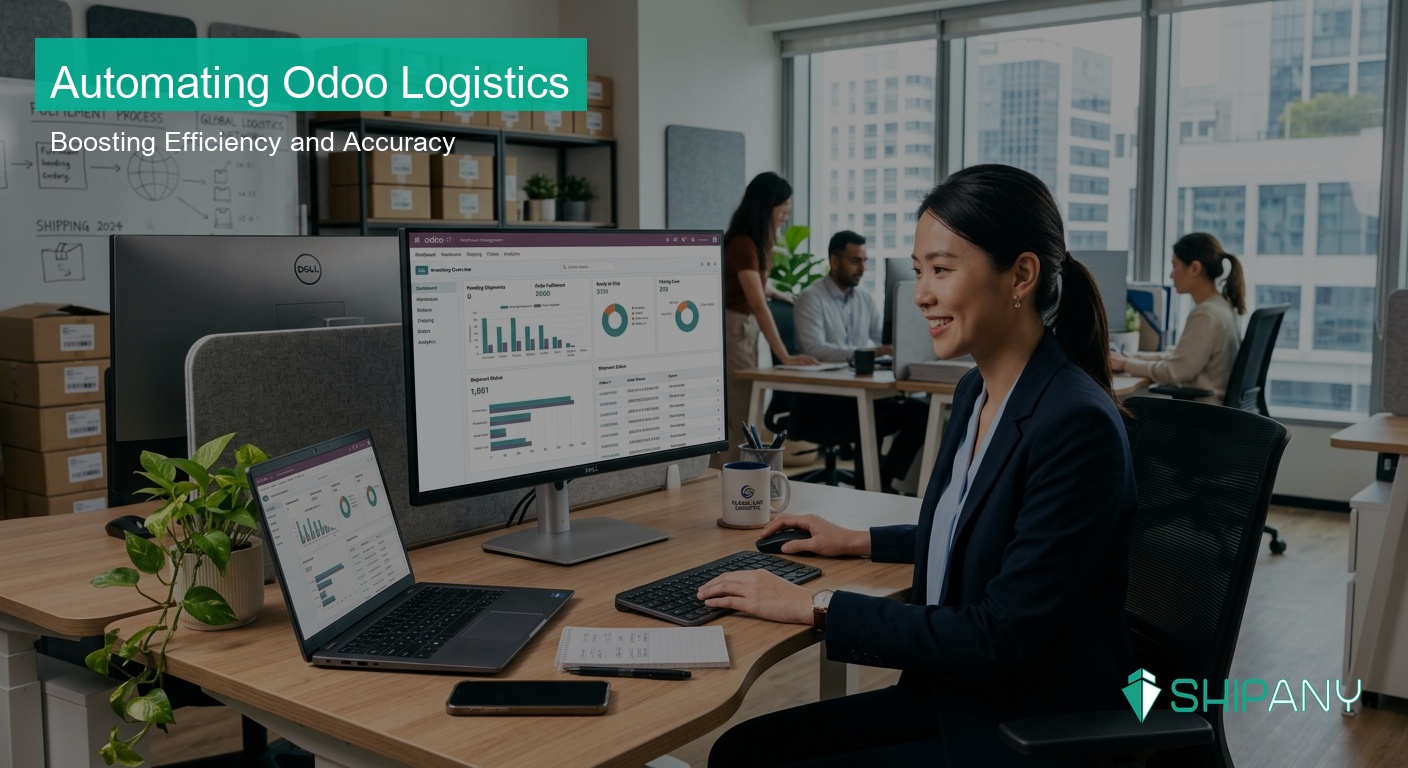
In today’s e-commerce landscape, Odoo serves as a powerful ERP system that helps many merchants effectively manage their inventory, sales data, and financial processes. However, as order volumes grow, connecting these data seamlessly to logistics providers (such as SF Express) often becomes a bottleneck in business operations.
Common Challenges in Bridging Odoo with E-commerce Logistics
Many merchants operating Odoo face a tedious process: they must first export order data from Odoo, manually import it into various logistics platforms for shipment booking, and finally update tracking numbers back into the ERP.
This manual processing mode entails multiple risks:
1. Manual Error Risks: Errors in address, phone numbers, or order details often lead to failed deliveries and increased return costs.
2. Low Operational Efficiency: For e-commerce businesses handling hundreds or thousands of orders, manual operations slow down shipment speeds, preventing customers from receiving goods on time.
3. Information Asymmetry: Inventory data not reflecting logistics status in real-time can lead to “overselling” or stockout nightmares.
As customer expectations for “instant delivery” and “transparent tracking” rise, traditional manual connection models can no longer meet the demands of modern e-commerce competitiveness.
Key Benefits of Logistics Automation
Automating logistics management is not just about saving labor; it’s a data-driven operational upgrade. When Odoo connects seamlessly with logistics platforms via API, merchants enjoy several significant benefits:
1. Full Order Automation
Through system integration, the system automatically fetches sales orders from Odoo and filters those requiring shipment, eliminating the need for manual intervention. This allows the transition from order confirmation to shipping label generation to occur in seconds.
2. Deep Integration with SF Express
For merchants frequently using “SF Express,” deep automation enables:
* Real-time Label Generation: No manual booking required; the system connects to the SF backend automatically, ensuring label accuracy.
* Precise Data Mapping: Prevents delivery delays caused by input errors.
* Batch Processing: Whether it’s a hundred or a thousand orders, processing can be completed in one click, maximizing logistics throughput.
3. Real-time Logistics Status Sync
After integration, logistics statuses (e.g., “Picked up,” “In transit,” “Exception,” “Delivered”) are automatically returned and synced to the corresponding order in Odoo. Customer service staff can track progress without logging into different logistics portals, lowering support costs and boosting customer trust.
Operational Efficiency Comparison
| Processing Stage | Traditional Manual Mode | Automated Integration Mode |
|---|---|---|
| Order Processing | Manual export/import, slow & error-prone | Auto-sync, zero errors |
| Shipment Booking | Login to provider portal per order | One-click batch booking |
| Tracking Number | Manual copy-paste to ERP | Auto-backfill to Odoo |
| Status Update | Login to third-party tracking | Auto-sync to ERP order |
| Efficiency | Low, congests with volume | High, handles peak seasons with ease |
ShipAny: Your Ideal Logistics Partner for Odoo
Ready to bring these automation benefits to your business? As a professional logistics aggregation platform, ShipAny offers Odoo merchants flexible and efficient integration solutions. Beyond the SF Express integration mentioned, we support various logistics providers to help you manage peak seasons effortlessly. Watch our Odoo automation demo video to see it in action, or visit our official website to learn more and book a free consultation.
How to Choose the Best Logistics Integration Solution
When selecting a logistics automation tool, Odoo merchants should consider:
* Aggregation Capability: Can it flexibly switch between logistics providers beyond SF? This is crucial for managing capacity during peak seasons.
* Technical Stability: Is the API connection frequently updated? Do changes in provider platforms affect system operation?
* Ease of Deployment: Can the system be integrated quickly without complex programming?
In conclusion, integrating Odoo ERP with a flexible logistics management solution is a key path for modern e-commerce to improve profitability. By offloading tedious administrative tasks to an automated system, merchants can invest limited resources into more critical product strategies and brand marketing, standing out in intense market competition.
Frequently Asked Questions (FAQ)
Q: Does automated logistics integration affect my existing Odoo operation?
A: No. Professional logistics integration typically uses modular design, which does not interfere with your existing Odoo inventory, finance, or membership modules, ensuring stable operation.
Q: Can I book SF Express shipments directly within Odoo?
A: Yes. Through an automated integration solution, you can complete SF shipment bookings and print shipping labels directly within the Odoo interface, without needing to jump to provider websites.
Q: Can the system handle a sudden surge in order volume?
A: Yes. The core purpose of logistics automation is to solve order peak issues. Compared to manual processing, the system handles mass orders in batches, ensuring high-efficiency shipping even during peak seasons.
Q: Besides SF Express, what other logistics companies are supported?
A: Robust logistics aggregation solutions typically support 20+ logistics providers, allowing merchants to flexibly allocate shipments based on delivery regions.
Want to learn more about optimizing your logistics workflow?
Learn more about logistics automation services | Get a free consultation