
Introduction: The Daily Challenges of SF Express Shipping for SHOPLINE Merchants
For many SHOPLINE merchants, managing logistics is one of the most time-consuming tasks. Especially when your customers choose “SF Express” as their shipping method, you might find yourself trapped in the following painful cycle:
- Repetitive Data Entry: Spending hours manually copying and pasting customer names, phone numbers, and addresses into the SF Express shipping system.
- Manual Entry Errors: In the process of copying and pasting, it’s easy to mistype addresses or miss digits, leading to return shipments or delays and resulting in customer complaints.
- Disorganized Tracking: After shipping, you have to manually update tracking numbers back to the SHOPLINE backend. Customers often feel anxious when they cannot track their orders due to delays in logistics status updates.
If these chores are bothering you, this article is for you. As a professional one-stop logistics platform, ShipAny helps you streamline your shipping workflow through our “Bulk Processing” feature, acting as your strongest support for logistics efficiency.
How SHOPLINE Merchants Can Boost SF Express Shipping Efficiency
Even without an automated API integration, using the “Bulk Import” feature can significantly reduce your working time. The core logic is: Reduce time spent on “individual processing” and switch to a “bulk processing” model.
When you get into the habit of bundling all your orders for batch processing, your logistics efficiency will multiply.
ShipAny Operation Guide: Bulk Processing SF Express Orders
With ShipAny, you can transform the order data downloaded from SHOPLINE into a bulk processing workflow. Here are the steps:
Step 1: Export Pending Orders from SHOPLINE Backend
On the SHOPLINE “Order Management” page, filter for “Pending” orders and choose to export the order list (usually in CSV or Excel format). Ensure that the exported data contains complete recipient names, phone numbers, and detailed addresses.
Step 2: Bulk Import via ShipAny Platform
Log in to the ShipAny platform and find the “Bulk Order Creation” feature. Simply upload the CSV or Excel order file you downloaded from SHOPLINE. The system will automatically detect the format and categorize the order information, saving you from tedious manual data entry.
Step 3: Fast SF Express Booking and Label Printing
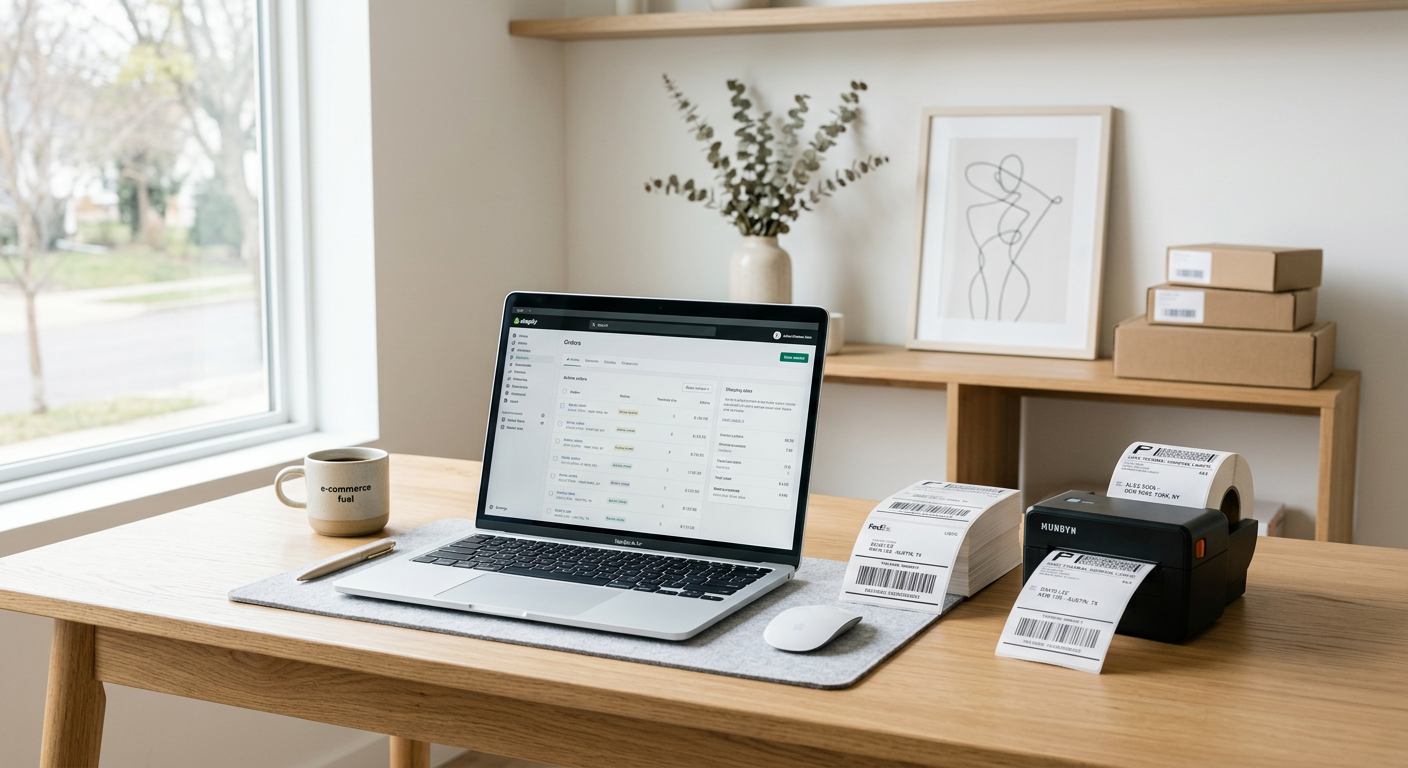
After confirming the order information on the ShipAny platform, you can book SF Express services with one click. ShipAny provides comprehensive support for professional thermal printers and thermal paper (Thermal Paper). You just need to connect your device, and you can quickly print dozens of SF Express labels (Label) at once, instantly upgrading your packing efficiency.
Why Is This Smarter?
Rather than processing orders individually, the advantages of bulk processing are obvious:
- Unified Management: Regardless of whether you sell on other platforms, with ShipAny, all orders can be processed on one single interface.
- Reduce Manual Entry Errors: Systematic data importing minimizes spelling and numerical errors caused by manual typing.
- Boost Shipping Speed: The time taken to print dozens of labels is almost the same as printing one. The larger your shipping volume, the more time you save.
Professional Shipping Tips
- Standardized Packaging: SF Express has strict packaging requirements, especially for fragile items. Ensure you use sufficient bubble wrap and sturdy outer boxes.
- Address Accuracy: Although ShipAny includes an address optimization feature, we still recommend that merchants check if the recipient has provided complete regional information before confirming orders.
- Utilize SF Locker: SF Locker is the preferred choice for many Hong Kong buyers. When importing orders, ensure the correct SF Locker code is filled in the shipping address.
FAQ
Q: Is the bulk import feature on ShipAny complicated?
A: Not at all. You only need to download the order file from SHOPLINE and upload it directly to the ShipAny backend; the system handles the data automatically.
Q: How do I print shipping labels?
A: ShipAny provides professional thermal printers (Printer) and thermal paper (Thermal Paper), making it easy for you to print professional SF Express shipping labels.
Q: How are fees calculated when using ShipAny to process orders?
A: ShipAny uses a transparent logistics fee mechanism. You can check shipping costs directly through our price calculator without paying complex platform fees.
Q: Can ShipAny assist with returns or exchanges?
A: Absolutely. ShipAny also supports reverse logistics (return) processing, ensuring your after-sales service is seamless.
Conclusion: Making Logistics Your Competitive Advantage
In the fiercely competitive e-commerce landscape, logistics speed is often the key to determining customer repurchase rates. Start using ShipAny’s bulk processing feature now to make your SHOPLINE logistics management more systematic and solve those trivial order hassles!
—
Visit ShipAny Official Website for More Logistics Services
Experience ShipAny Price Calculator Now