SF Express Pickup Code Tutorial A Simple Step-by-Step Guide
SF Express’s self-pickup service is incredibly popular in Hong Kong, whether it’s through SF Lockers or SF Business Stations. After selecting “self-pickup,” the most common questions from online shoppers are: “Where can I find my pickup code?” and “How do I operate the machine on-site?”
This article provides a detailed guide on how to efficiently manage and collect your packages using the SFHK App, making your pickup process easier and faster.
Why is a Pickup Code Necessary?
The pickup code is essential for verifying your identity and securing your package. Without it, the locker system won’t open, and staff at SF stations cannot release the parcel.
How to Collect Using the SFHK App?
Using the SFHK App is the most stable and informative way to handle pickups. Once you register and bind your phone number, all waybill information is automatically synced, reducing risks associated with SMS delays or blocks.
Step-by-Step Guide:
- Open and Log In to the App: Ensure your account is linked to your mobile number.
- View “Pending Pickup” Status: Check the home page or “Waybill Tracking” for updates.
- Get Your QR Code & Pickup Code: Select the relevant waybill; the app will display the QR code and digital pickup code.
- On-Site Operation: Scan the QR code or enter the pickup code at the locker.
On-Site Pickup Process
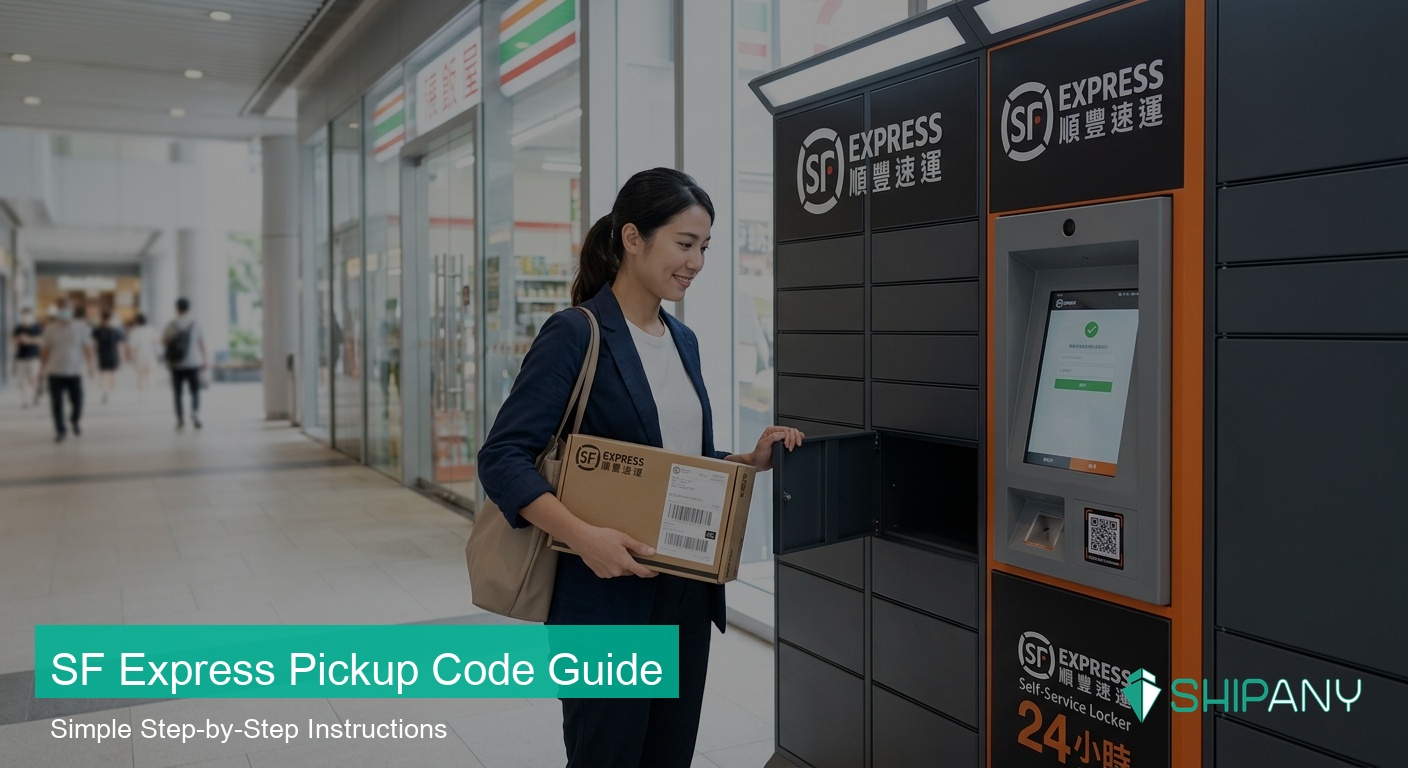
SF Locker Pickup
- At the locker, select “Pickup”.
- Scan the QR code or manually enter the pickup code.
- Confirm parcel details, and the door will open.
SF Station Pickup
- Tell the staff you are here for a “self-pickup”.
- Show the pickup interface in the app for them to scan.
What if I Forget My Code or My Phone Runs Out of Power?
- Low Battery: Visit a nearby SF station, provide your waybill number, and show identification for verification.
- App Issue: Refresh the app or log in again. Contact customer service if necessary.
Common Questions (Q&A)
Q: Is there a time limit?
A: Yes, ensure you pick up your parcel within the designated period to avoid returns or storage fees.
Q: Can someone else pick it up for me?
A: The system is linked to your phone number. If you need someone else to collect, take a screenshot of the pickup page in the app and send it to them.
Q: Can I collect multiple parcels at once?
A: If they are in the same locker, the app usually supports consolidated display.
Conclusion: Better Logistics for Businesses
For online store owners, understanding these details helps your customers enjoy a seamless delivery experience. If you are an e-commerce merchant looking to provide professional, efficient logistics tracking to your customers, ShipAny can help you integrate and manage tracking information across multiple logistics platforms, automating your operations and increasing customer satisfaction.